
 Jack's Fish Club
 We run the shipment and build the system that tracks it.
The software works because we've done the job it replaces.
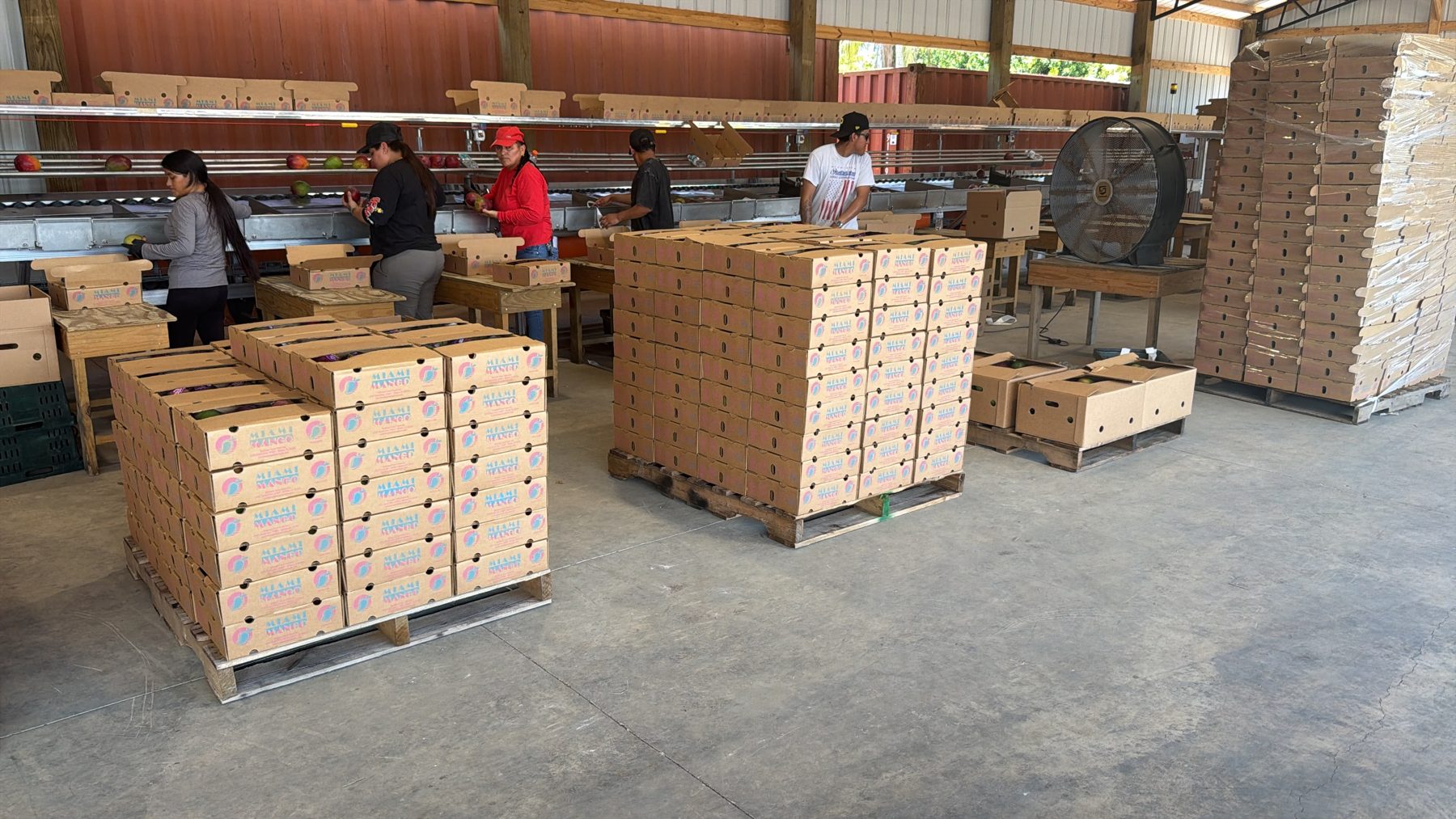
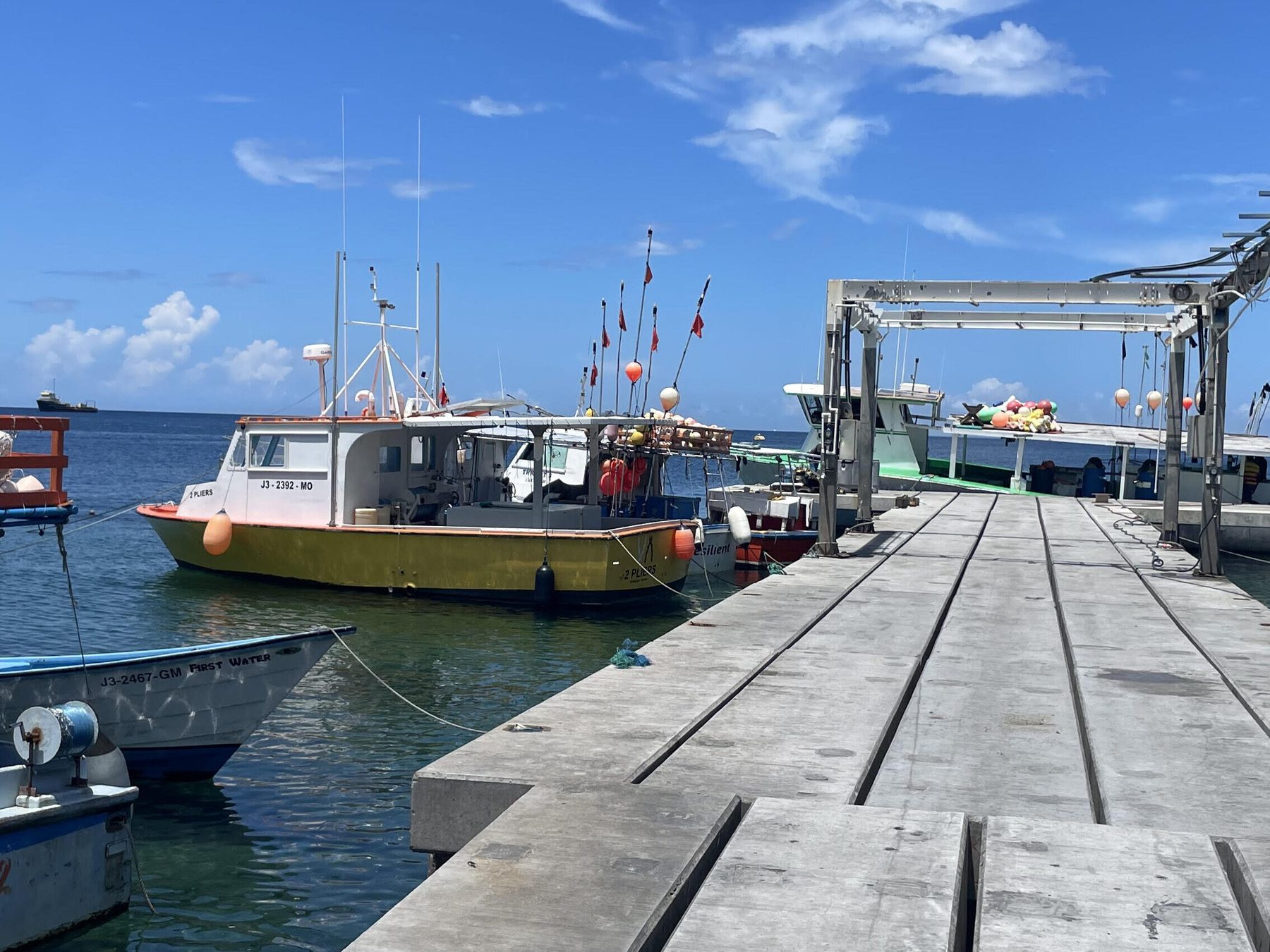
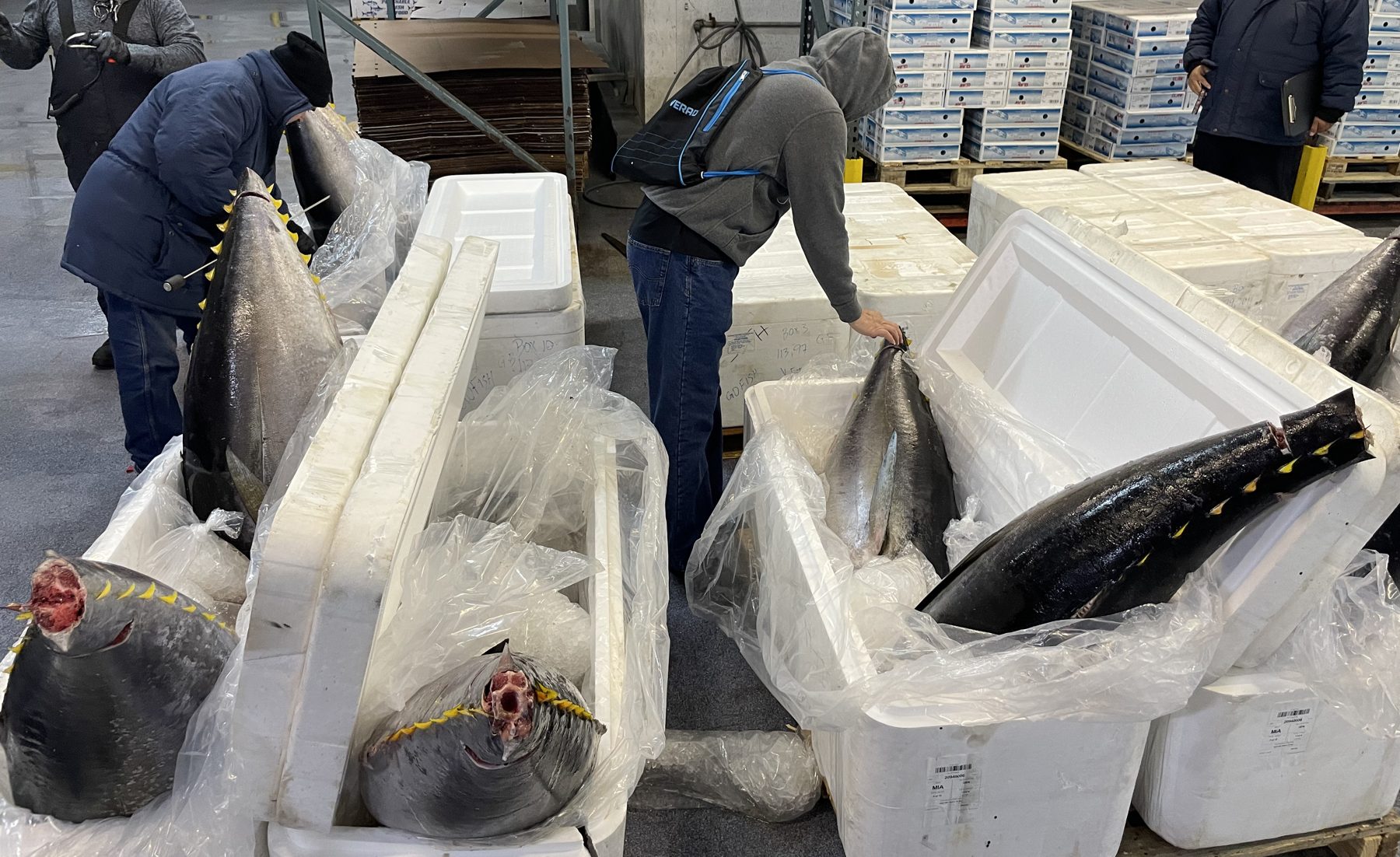
What we do.
| 1 | Operations & logistics |
Import and export execution. Airfreight and ocean bookings, reefer containers, consignee and broker coordination, packing lists, airway bills, export documents for Caribbean destinations. Sourcing. RFQs, spec decisions, supplier comparison, deposits and delivery windows — for seasonal programs or new product lines. Customs and compliance questions. HTS classification, tariff-rate quotas, FDA and USDA touchpoints, state licensing for food sales, HACCP requirements for a new channel. Sales operations. Outreach lists, offer programs, trade-show economics, retail engagement programs. RetainerProject |
| 2 | Custom internal software |
The systems a distributor actually needs and can't buy off the shelf: CRM with inventory by lot and box, pick tickets and allocation, offer blasts over WhatsApp and email, packhouse and floor apps for tablets, dealer and installation maps, auction rooms, profitability dashboards. Built to be owned. Deployed on your own accounts. Secrets in a vault, never in code. Staging before production. Audit logs. Two-factor for staff. Daily backups you can restore from. Documentation a successor could pick up. Mobile-first, because the person who needs it is standing in a cold room or a driveway. BuildRetainer |
| 3 | Document & data pipelines |
Purchase orders → draft invoices. Shipment emails → landed cost. Packing lists → inventory. Grade sheets → settlement. Photos and voice notes → records. The trust boundary is fixed: a model may transcribe; deterministic code validates every number against your reference tables; a person approves. If it doesn't reconcile, it's flagged, never guessed. What the model sees, and what to do when that's too much → Accounting handoff. Straight into QuickBooks. See QuickBooks integration → BuildRetainer |
| 4 | QuickBooks integration |
Two-way. Orders and pick tickets become QuickBooks invoices; receivables, aging and payments come back into your dashboard. Customer and item lists stay in sync. Connected to code, not to AI. The link runs through Intuit's official connection (the QuickBooks Online API, or Web Connector for Desktop), under a login you authorize and can revoke. Our code reads and writes the books; no AI model is ever connected to QuickBooks. How we handle AI → Migrations. QuickBooks Desktop to Online, planned and rehearsed, with a reconciliation before cutover. BuildRetainer |
| 5 | Brand, catalog & web |
For food, farm and nature-adjacent businesses that need the outside to match the inside: product catalogs and price lists, packaging and carton artwork to print-ready, landing pages for a new product, a company website that's fast, simple and yours. Live example: seasonsfarmfresh.com (opens in a new tab) ↗, designed and built for Seasons Farm Fresh. Project |
Three ways in.
Monthly retainer
A fixed monthly fee for a defined share of the week. We build and run your tools, own the deployments, and handle the operational work we've agreed on — the freight, the documents, the supplier calls. Open tasks live in one shared list we walk every Monday. Three-month minimum, then month to month.
Fixed-scope build
A single system, priced up front after the walkthrough: what it does, what it doesn't, what "done" means, and the date. Delivered on your accounts with documentation and a handover session. Typically four to eight weeks. Optional light support afterwards.
Logistics project
A seasonal program, a new export lane, a sourcing round, a compliance question that needs an answer with a paper trail. Scoped and priced as a project, with the deliverables written down before we start.
The first month.
Week one: sit in the operation
We watch the inbox, the floor and the ledger and write down the rules nobody has written down. Reference data — price lists, item codes, accounts — gets digitized and becomes the single source of truth.
Week two: the smallest useful thing
One workflow, end to end, in your hands. Usually the one that costs the most retyping. It runs on staging first, with your real documents, until it's boring.
Weeks three and four: production, then the next thing
Deployed on your accounts with backups, logs and an audit trail. Then we pick the next workflow. The task list is shared; you can see what's being built and what's waiting on you.
Every Monday after that
A short walk through the open list. What shipped, what's blocked, what you've noticed. Ops questions get answered in the same conversation as software questions, because they're the same conversation.
Not sure which one you need?
Send two paragraphs on what's slow. You'll get a straight answer: software problem, process problem, or a phone call.